Amazon Articles
best ai tools for furniture product photos
The best AI tools for furniture product photos are the ones that make large items look real, premium, and trustworthy at scale, not just pretty in isolation.
Dec 25, 2025

The best AI tools for furniture product photos make large items look realistic, correctly scaled, and consistent across an entire listing, not just visually attractive in one image. They help sellers generate lifestyle scenes, clean studio shots, and detail images fast, while keeping brand style and marketplace rules intact.
Tool category | Best for furniture sellers | Strengths | Limits |
|---|---|---|---|
Furniture-aware AI listing systems | Amazon-ready catalogs | Full image stacks, scale, brand consistency | Less manual creative tinkering |
One-off AI image generators | Concepting hero shots | Strong realism, flexible scenes | One image at a time |
Background + lighting AI tools | Compliance and cleanup | Clean whites, shadow control | No storytelling |
Manual design tools with AI assist | Designers in the loop | Fine control, layouts | Slow at scale |
Key takeaways
Furniture photos fail when scale, lighting, or context feels wrong.
AI works best when it understands how furniture is bought, not just how it looks.
Systems beat single-image tools once you manage more than a few SKUs.
Consistency across the gallery matters more than one perfect hero image.
Why furniture photos are harder than most categories
Furniture is big, reflective, and judged on feel. Buyers want to know size, comfort, materials, and how it fits into their space. A floating chair on a white background rarely closes the sale.
Good furniture visuals need:
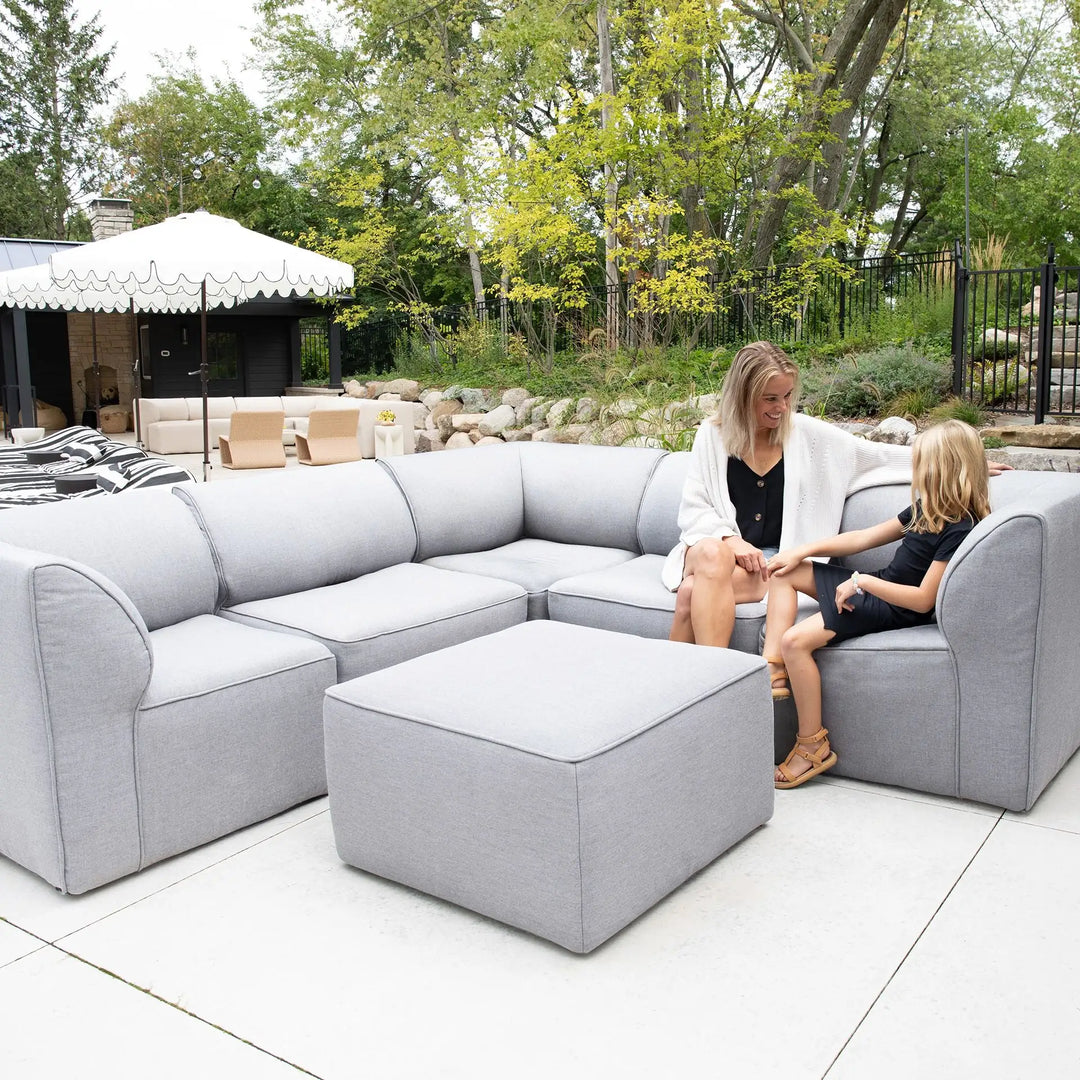
Correct scale relative to rooms and people
Soft, believable lighting and shadows
Materials that look tactile, not plastic
Context that matches the target customer
That is where generic image generators break down.
The main AI tool categories explained
Furniture-native AI listing systems
These tools treat the listing as the unit of work, not the image. You drop in a product link or photos, and the system generates a full set: main image, lifestyle scenes, detail callouts, dimensions, and gallery shots.
Why this works for furniture:
Consistent room styles across variants
Dimensions and scale handled visually
Faster rollout across many SKUs
This is the most reliable option for sellers, agencies, and aggregators managing catalogs.
One-off AI image generators
These are prompt-driven tools that shine at creativity. They are useful for:
Testing room styles
Generating hero lifestyle scenes
Exploring premium positioning
The tradeoff is repetition. Every image requires a fresh prompt, and consistency across a sofa line quickly falls apart.
Background and lighting AI tools
These focus on cleanup:
Pure white backgrounds
Shadow control
Cutouts for compliance
They are essential, but not sufficient. They solve hygiene, not persuasion.
Manual design tools with AI features
Think canvas-based editors with AI assists. These are best when:
A designer wants full control
You are polishing a hero listing
Volume is low
At scale, they become a bottleneck.
What high-converting furniture photos actually do
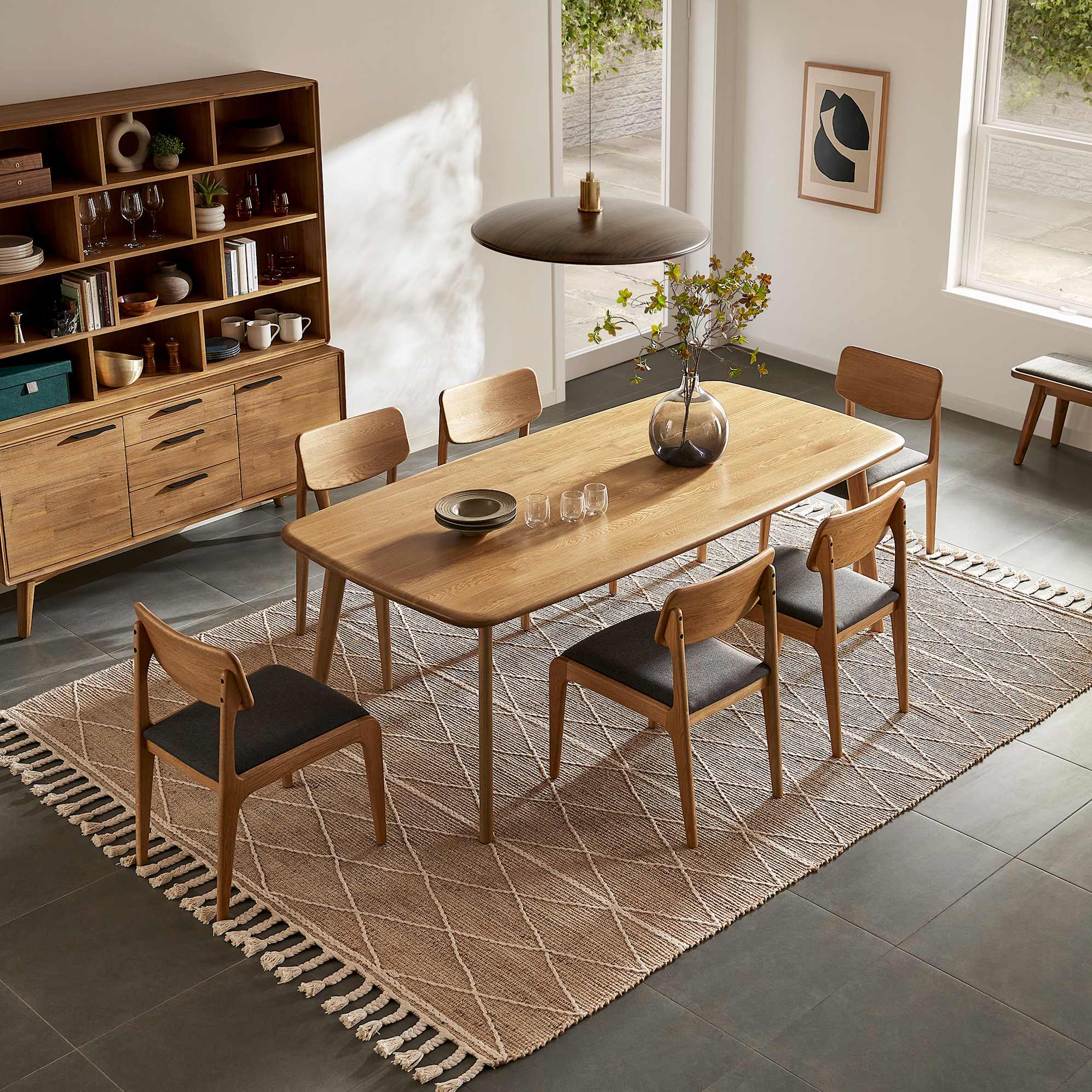
Show the furniture in a realistic room, not a fantasy loft
Make size obvious without reading text
Highlight materials up close, wood grain, fabric weave, finish
Stay visually consistent across the gallery
Buyers should understand the product in three seconds.

When Pixii wins for furniture brands
Pixii is built for furniture sellers who care about conversion and scale.
New sellers: Upload product photos, Pixii handles rooms, lighting, and structure.
Agencies: One playbook turns into hundreds of listings with the same look.
Growth brands: Generate many lifestyle variants, test which room converts best, keep the winner.
Pixii turns furniture photos from a one-off creative task into a repeatable system.
How to choose the right AI setup
Use this quick framework:
How many SKUs do you manage today?
Do you need lifestyle scenes or just cleanup?
Does brand consistency matter across collections?
How often do you refresh images?
Is speed or creative control more important?
If the answer includes scale, speed, and consistency, use a system. If it includes exploration and art direction, add a one-off generator on top.
Common mistakes with AI furniture photos
Rooms that do not match the buyer persona
Incorrect proportions that make furniture look toy-sized
Overly dramatic lighting that feels fake
Mixing styles across images in the same listing
FAQ
Do AI furniture photos look fake?
They do when scale and lighting are wrong. Good tools handle both by default.
Are lifestyle images really necessary?
Yes. Furniture conversion depends on context more than most categories.
Can AI replace studio shoots?
For most catalog updates and testing, yes. Premium hero launches may still use studios.
How many images should a furniture listing have?
Seven is the sweet spot: one main, multiple lifestyle, details, and dimensions.
Is AI safe for marketplace compliance?
Only if the tool enforces marketplace rules automatically.
If you want furniture product photos that look real, consistent, and built to sell, use AI as a system, not a toy.