

Amazon is a search engine, not a gallery. A shopper sees a grid of thumbnails, clicks one, scans the images for a few seconds, and decides. Your Amazon product images do the selling, so the goal of product photography for Amazon is not “pretty,” it is to win the click and the sale.
This guide covers what a converting listing actually needs, what it costs to produce, and the practical ways to get there, whether you shoot it, hire it out, or generate it.
What Amazon product photography costs
A traditional Amazon product photography service runs about $200 to $1,500 per SKU and takes one to three weeks. That is fine for one hero product. It does not scale to a catalog: at 1,000 SKUs that is $200K to $1.5M, and at 5,000 SKUs, $1M to $7.5M plus six months of production. Variants multiply it, one hoodie in 14 colors is 14 image sets.
AI listing design runs a few dollars per SKU and a couple of minutes per listing. That is why the practical answer for most sellers is to generate the bulk of the catalog and save the camera for the few shots that genuinely need one. We go deeper in our piece on Amazon agency vs AI for listing images, and on what an Amazon listing designer actually costs.
The seven images a listing needs
Amazon gives you up to seven gallery slots. Each one has a job:
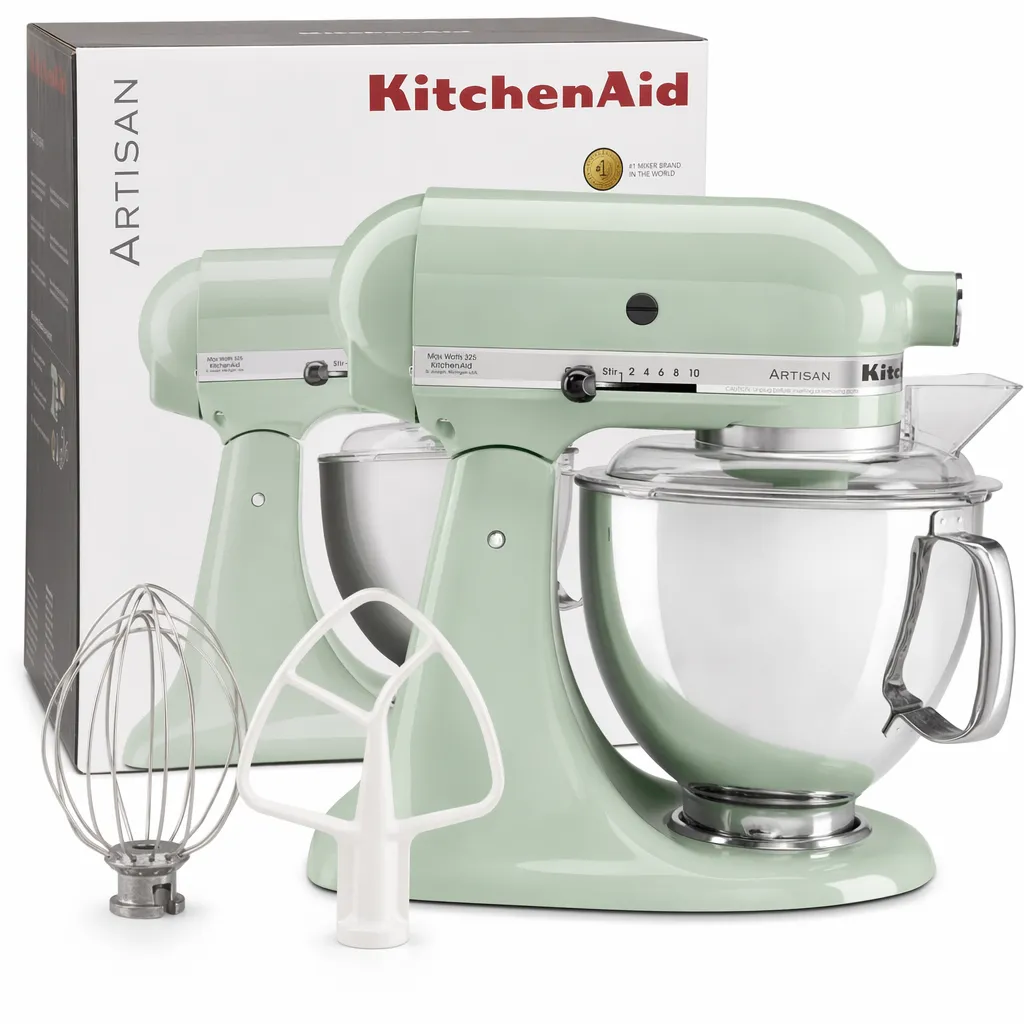
- Main image. Pure white background at RGB 255, 255, 255, product filling about 85% of the frame, no text or props. This is the click. See our main image best practices for the full rules.
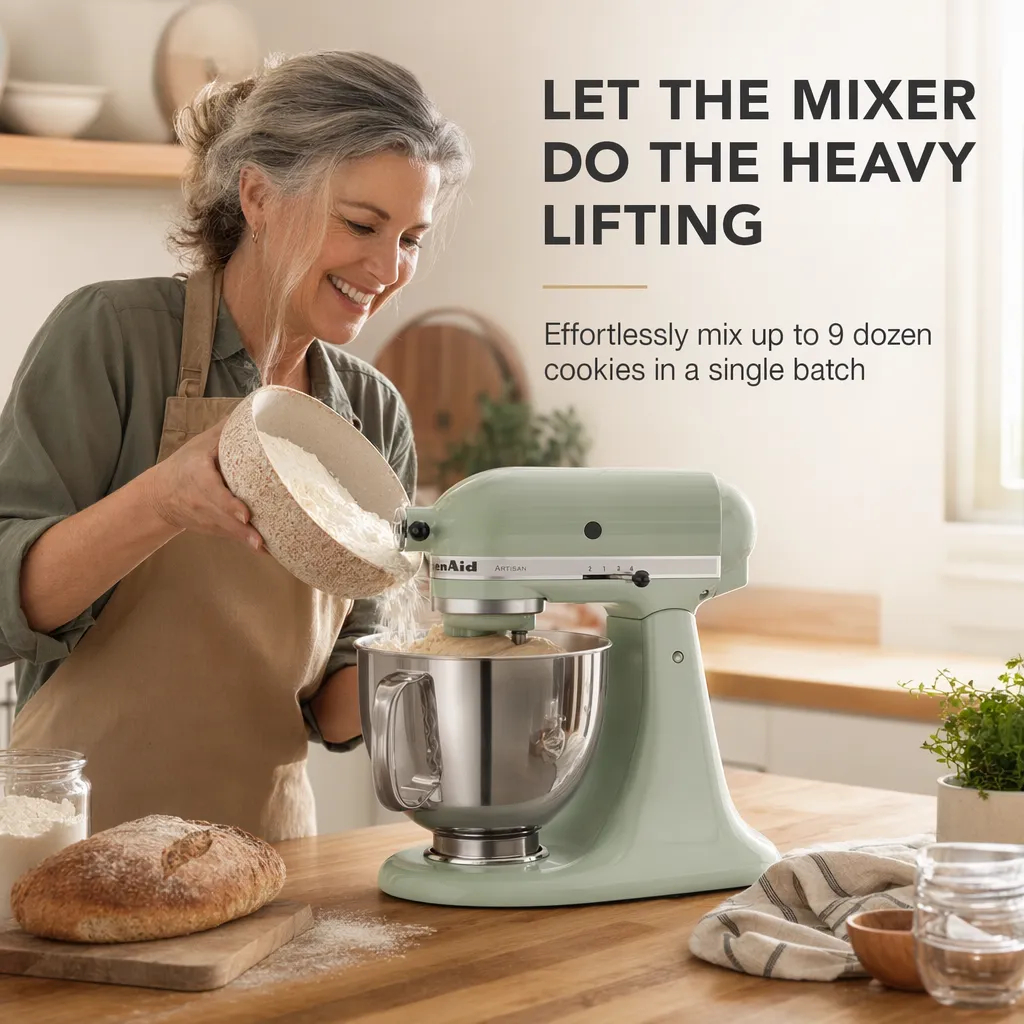
- Lifestyle or in-use shot. Shows the product in context so the buyer pictures owning it.
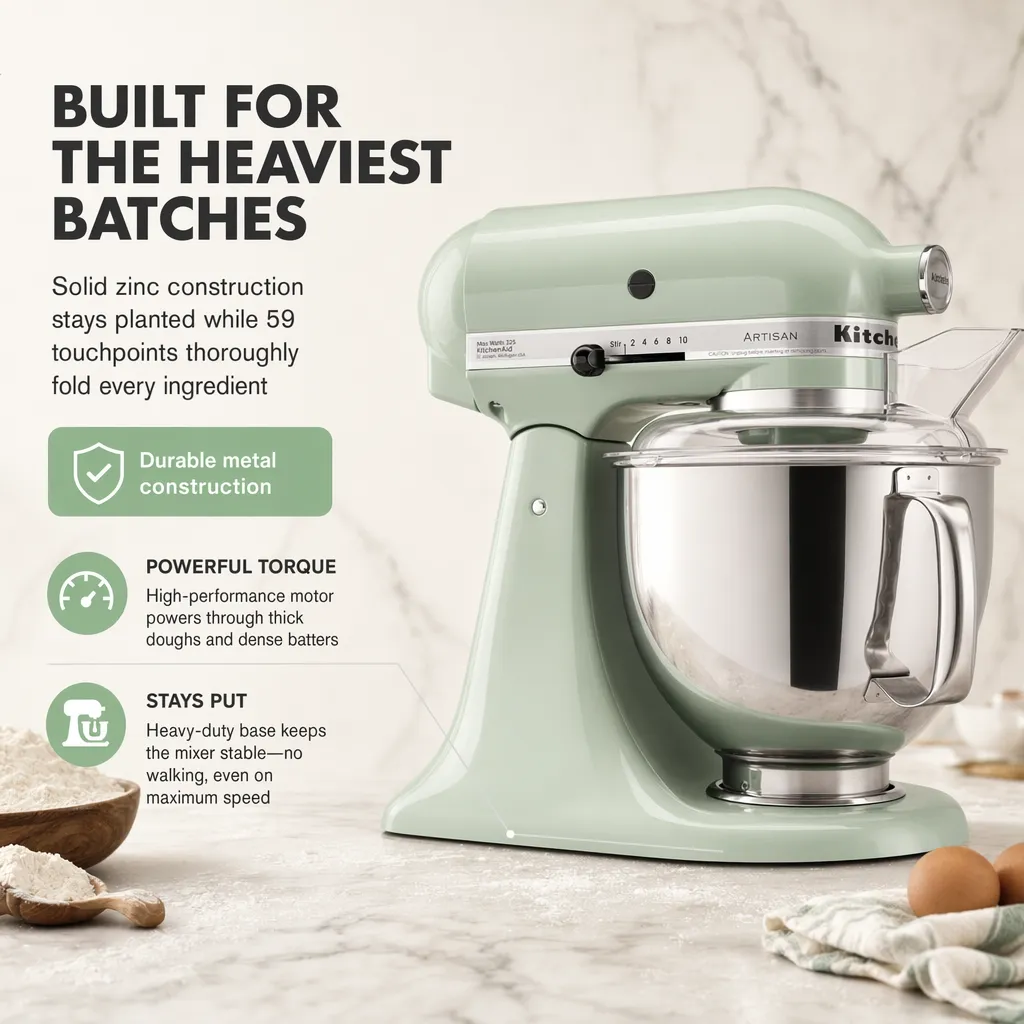
- Infographic. Calls out the two or three features that kill the biggest objections.
- Scale or size reference. Answers “how big is it” before they have to ask.
- Detail or materials shot. Builds trust in the build quality.
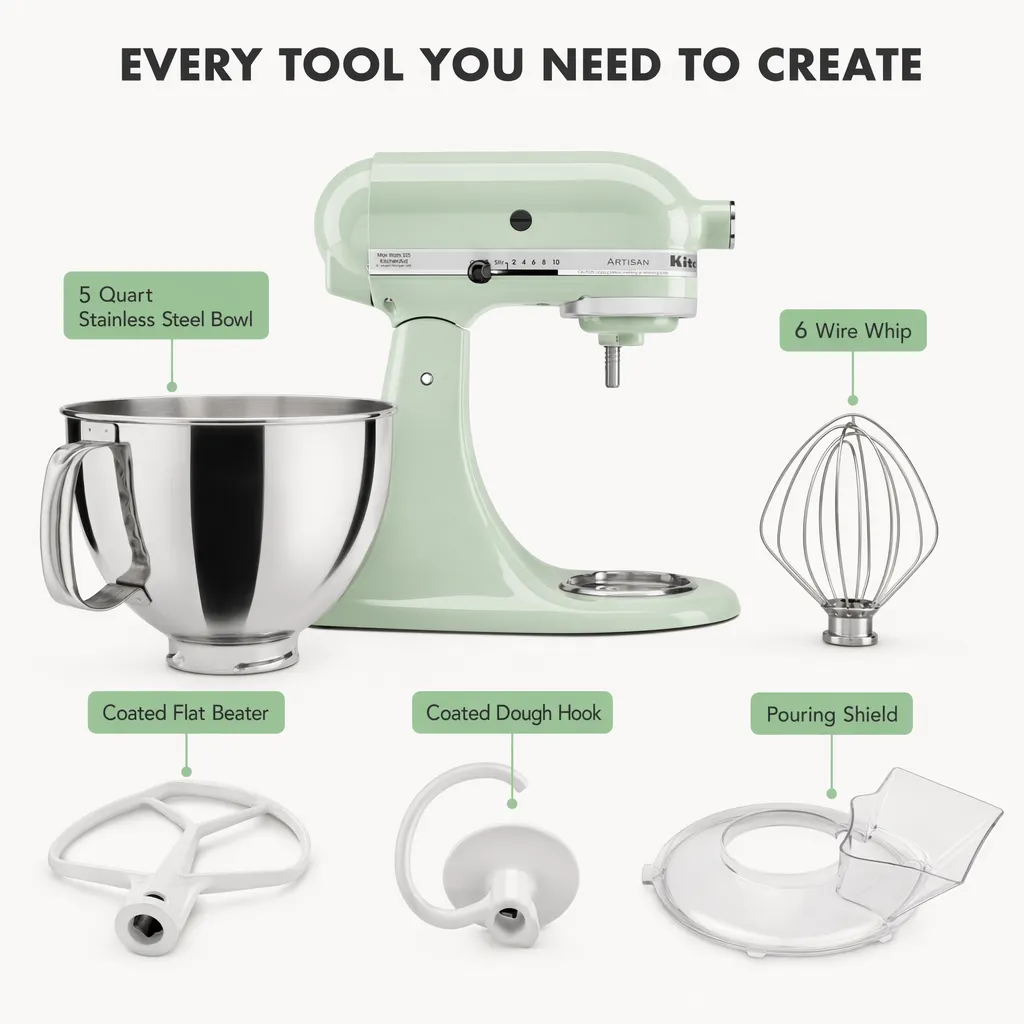
- What’s-in-the-box or comparison. Sets expectations and reduces returns.
- Trust or social proof. Reviews, guarantees, or brand story.
Then A+ Content below the fold, which Amazon’s own data shows can lift conversion by 8 to 20 points. Our guide on the 9 types of product photography that drive sales breaks down how to choose for your category.
DIY vs agency vs AI
When to use a shoot or agency
- A flagship hero product or a brand campaign
- A true one-of-a-kind shot that needs human art direction
- Lifestyle photography that needs live models or built sets
When to use Pixii
- A full compliant listing set from an ASIN in ~2 minutes
- The whole catalog at a few dollars per SKU
- Listings aimed at conversion, trained on 100,000 top Amazon listings
- Fixing one detail without reshooting or rebuilding the set
A creative agency or a photographer is the right call for the few shots that carry your brand. The mistake is using a per-SKU shoot for the everyday job of building and refreshing dozens of listings, which is why many agencies now run Pixii internally.
How Pixii does Amazon product photography
Pixii is a listing tool, not a single-image editor. The workflow:
- Enter an ASIN or upload one clean product photo.
- Pixii reads the product and category, then generates the full listing set: compliant main image, gallery, infographics, and A+ content.
- Edit anything. Convert to Layers, Spot Edit a section, rewrite copy, swap a background.
- Clone the winning design across variants, colors, and languages.
- Export, or run the whole catalog hands-off with Factory.
It does not require prompt engineering or design skills. The first usable set is typically ready in a couple of minutes.
See it on your own product. Drop an ASIN or a product photo and get a full, editable listing set in about two minutes.
Common Amazon image mistakes
Most listings do not fail outright. They lose clicks and sales in ways that are hard to spot in the dashboard.
- A main image that is technically compliant but looks cut out, with halos or a near-white background. Trust drops, and CTR drops first.
- Using only two or three of the seven slots. Every empty slot is a buyer question you left unanswered.
- No infographic, so the features that overcome objections stay buried in bullet text nobody reads.
- Inconsistent variants, where the same product in five colors looks like five different products in search.
- No A+ content, leaving 8 to 20 points of conversion on the table by Amazon’s own numbers.
How to brief a listing image
Before you generate or shoot anything, answer five questions: who is buying this, what are their alternatives, what one thing makes it better, what objection stops the sale, and what does “in use” look like for them. That brief is what separates ecommerce product photography that converts from images that only look nice. Pixii runs this analysis automatically before generating any images. If you would rather start from where you are, run your current listing through the free Listing Grader and fix the biggest gaps first.
What Pixii returns from one ASIN

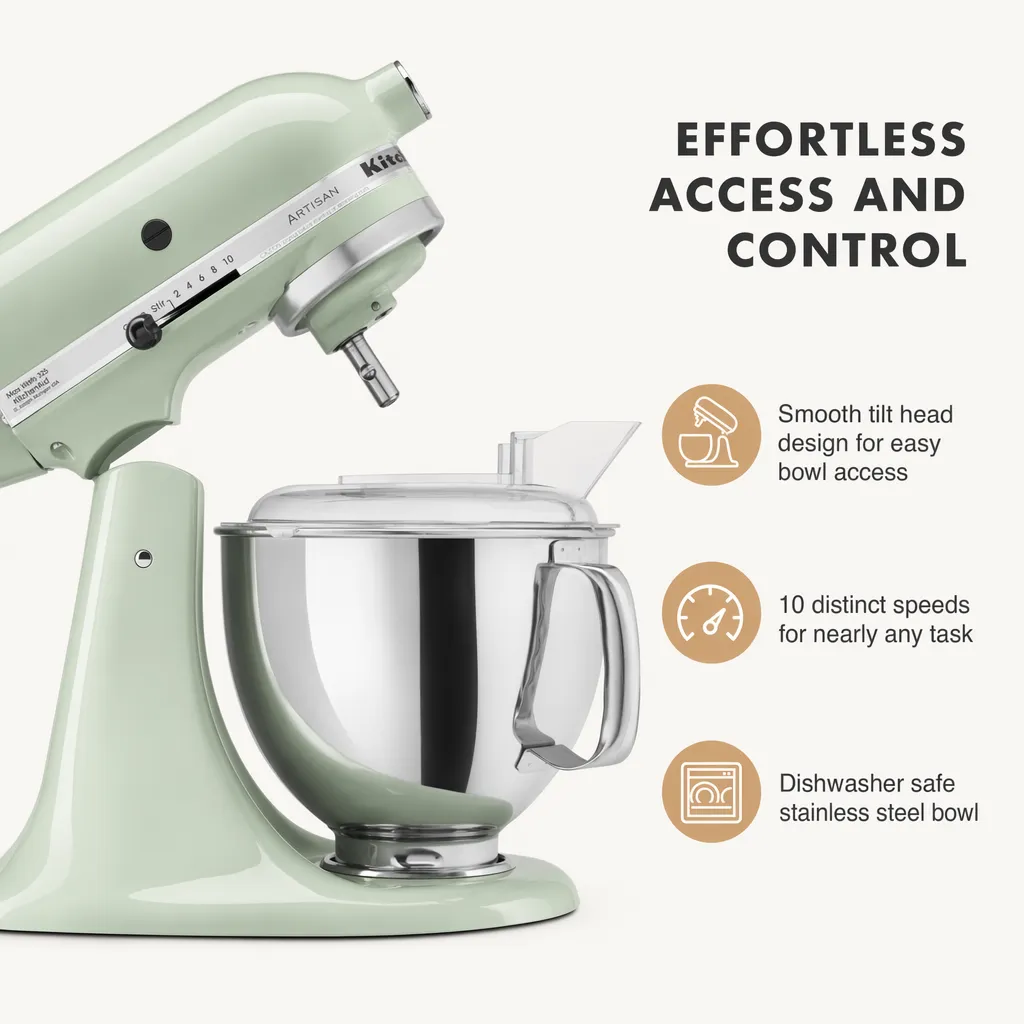
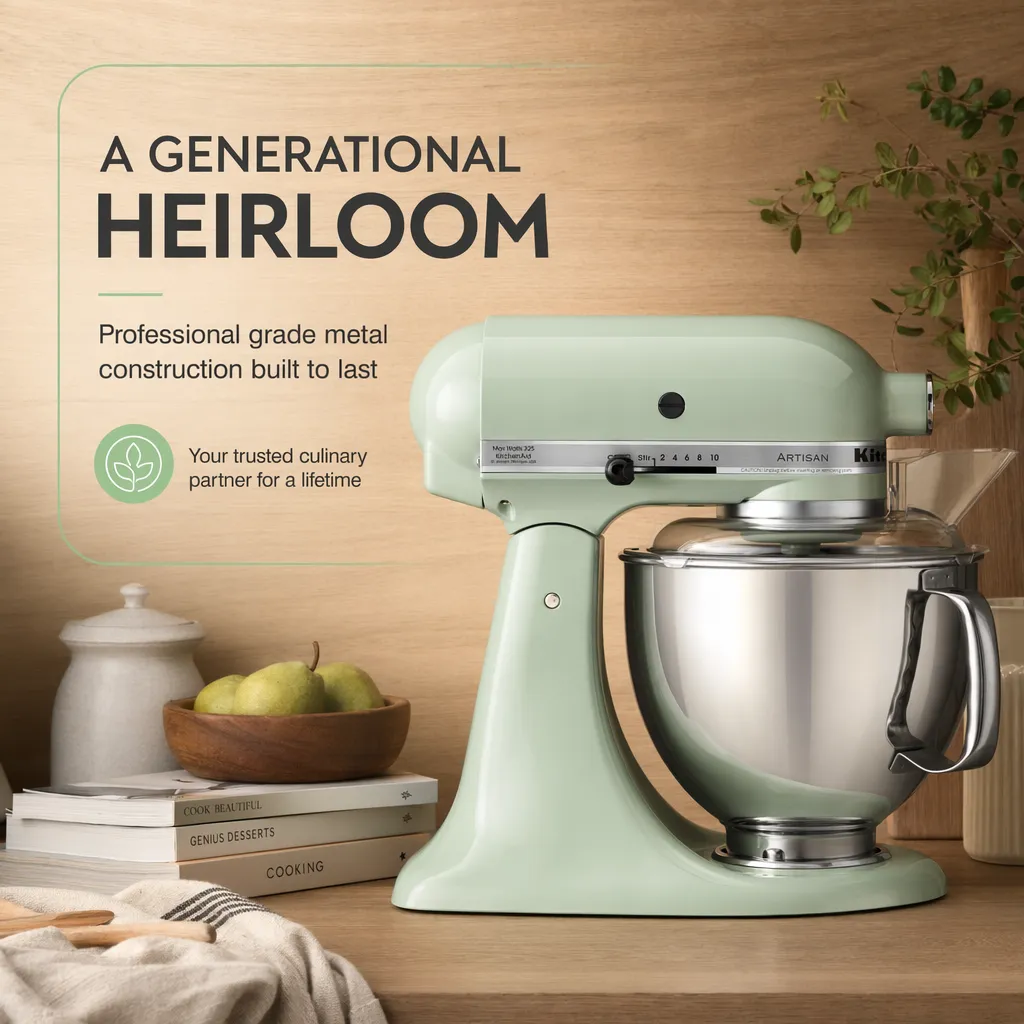
What sellers see
In a high-end agency, it would cost us about $3,000 to get a hero image, an infograph, and A+ content done. With Pixii, it costs less than it would cost me to get a hero image done for the month.
They saw an 11.8% increase in click-through rate within two weeks, and that's for a brand that's already performing really well on Amazon.
Amazon product photography is a listing problem, not a single-image problem. Run an ASIN through Pixii to see the full set generated on your own product.